
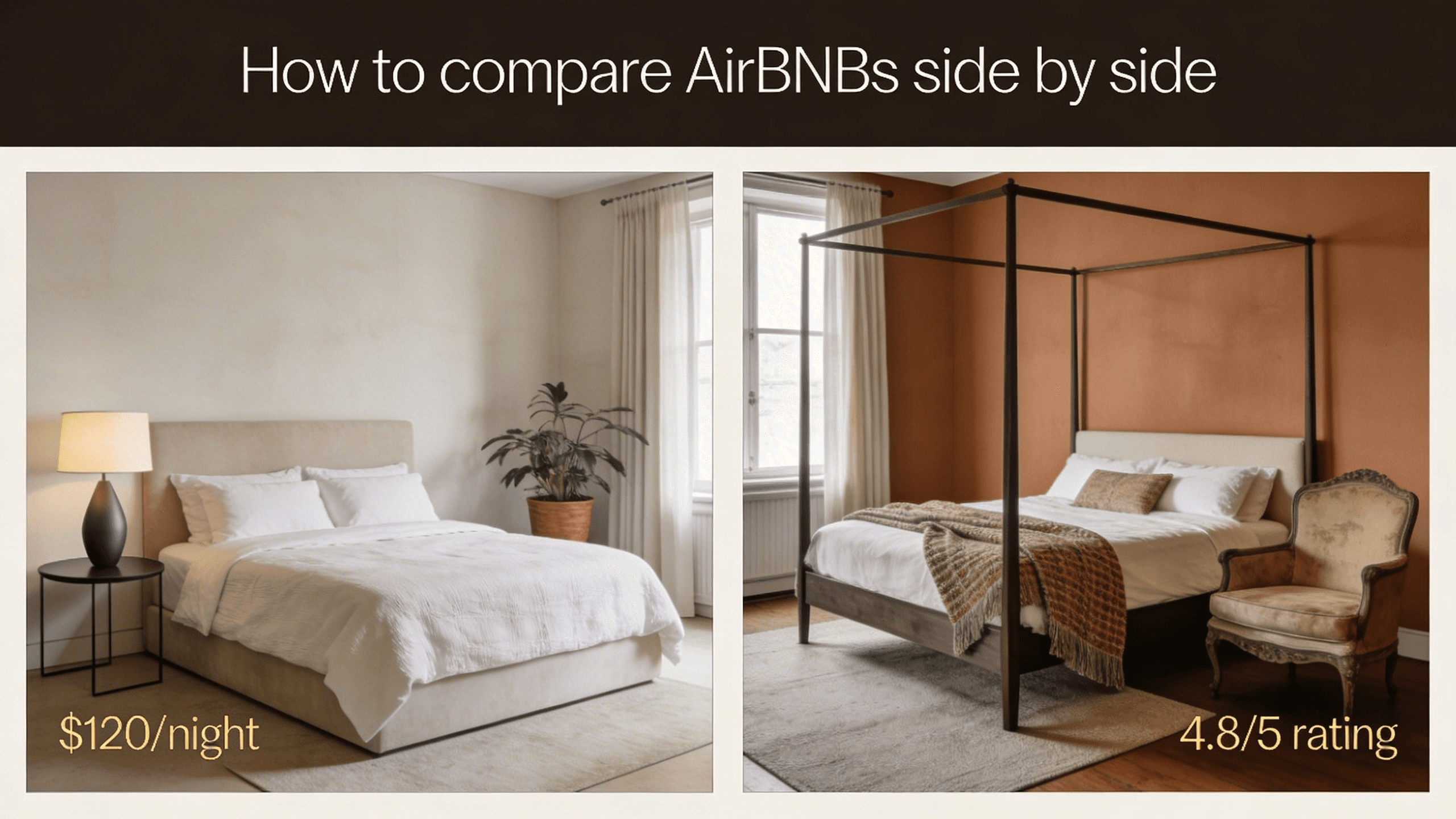
How to compare AirBNBs side by side
Choosing between two or three short-term rentals should feel exciting, not exhausting. If you have ever had six browser tabs open and still could not remember which place had the better kitchen or the quieter street, you are not alone. Here is a practical way to compare Airbnbs (and similar listings) without losing the plot.
Why “more tabs” is not a strategy
Each listing page is designed to sell that stay. When you flip between tabs, your brain has to re-load context every time: nightly price, cleaning fee, cancellation rules, check-in window, and whether “15 minutes to downtown” means the same thing for both hosts. Small differences add up, and it is easy to mix up photos or confuse two places in the same neighborhood.
What helps is a single view where the facts you care about sit next to each other, so you can scan, eliminate, and shortlist in minutes instead of hours.
A simple workflow that works
1. Shortlist before you deep-dive
Start broad: save or open only the listings that already meet your non-negotiables (dates, guest count, budget band, general area). Aim for roughly three to five finalists. If you have twenty tabs, you are still in discovery mode—narrow first, then compare.
2. Open your finalists at the same time
Open each listing in its own tab. Make sure each tab is the full listing detail page, not a search-result card, so you are comparing complete information.
3. Line them up in one comparison view
This is where a dedicated tool saves the most time. With StayLens for Chrome, you can bring those Airbnb and Booking.com listing tabs into one side-by-side layout instead of memorizing numbers as you switch back and forth. You see prices, ratings, and key details in one pass—exactly what “compare Airbnbs side by side” should mean in practice.
4. Use the map as a tie-breaker
Location is often what separates two places that look similar on paper. A shared map shows how close each stay really is to transit, work, family, or the sights you care about. If one listing claims “walkable” but sits on a busy arterial while another is a block off a quieter street, the map makes that obvious.
5. Compare the details that affect your stay
Once price and neighborhood look right, dig into the operational stuff: check-in and checkout times, house rules, Wi‑Fi notes, workspace setup if you work remotely, and what past guests actually said in reviews—not just the headline rating. When those fields are aligned in columns, inconsistencies stand out immediately.
6. Decide and book with confidence
Pick the listing that wins on your weighted criteria (often: total cost, location, space, and host reliability). If two are still tied, default to the one with clearer communication and more predictable policies—you will thank yourself if plans change.
Quick tips
- Normalize total cost—nightly rate plus fees and taxes, not the headline number alone.
- Read recent reviews first—they reflect the current mattress, host, and neighborhood noise better than five-year-old praise.
- Check cancellation and house rules before you fall in love with the photos.
Side-by-side comparison is not about more data; it is about less mental overhead. If you want to compare Airbnbs without the tab shuffle, add StayLens to Chrome and open your listings—it is built exactly for this workflow.